

Automatic Filtering of Highly Correlated Assets
We've added a preprocessing step to portfolio optimization that automatically removes highly correlated assets before running the optimizer.
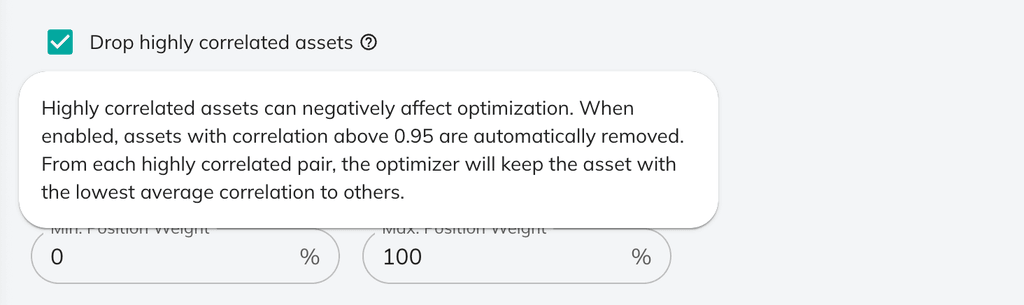
When enabled, the optimizer now detects asset pairs with correlation above 0.95 and automatically excludes one from each pair. For example, if you include both SPY and VOO, only one will be used in the optimization. The system keeps the asset with the lowest average correlation to the rest of your portfolio. You'll ses a notification in the asset allocation section, like this:

Why this matters: Highly correlated assets create numerical instability in mean-variance optimization, often producing extreme and unrealistic allocations. Weeding those assets out manually might be time consuming, especially if you work with large portfolios with up to 500 positions created from screeners. This new feature will make such workflows less error-prone and improve optimization results.
The feature is enabled by default and can be toggled off in the optimization settings:
Try it out with your next portfolio optimization →
0 комментариев
Сортировать по